Filter by what matters to you
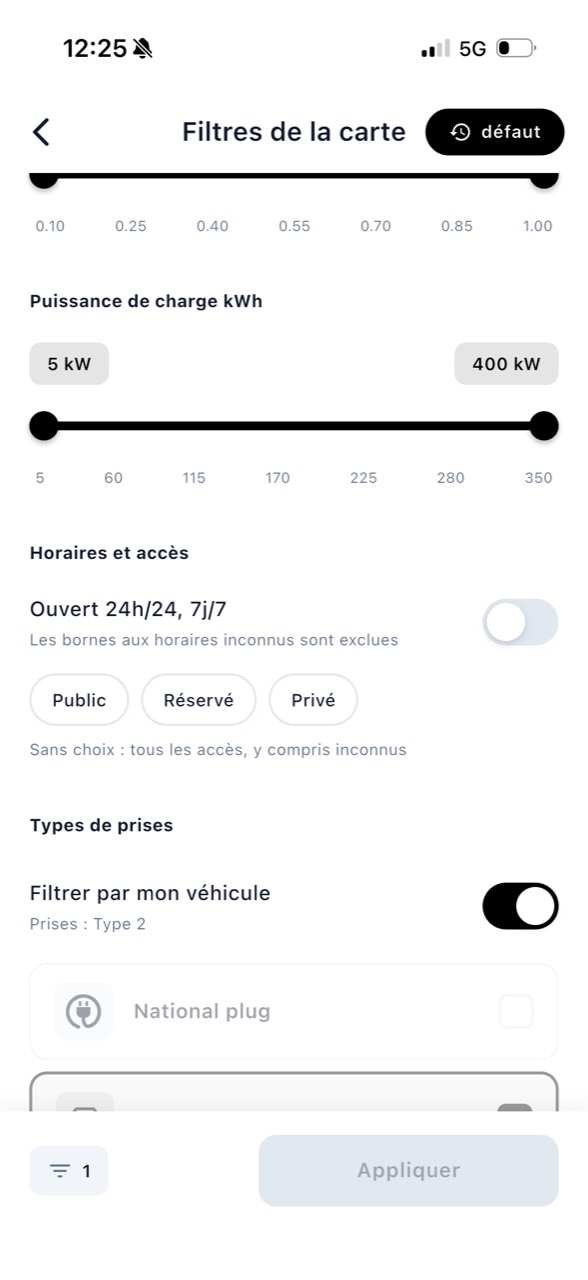
You can refine the map with new criteria:
- the operator, such as TotalEnergies, Ionity or Chargy;
- the type of access: public, reserved or private;
- charging stations open 24 hours a day;
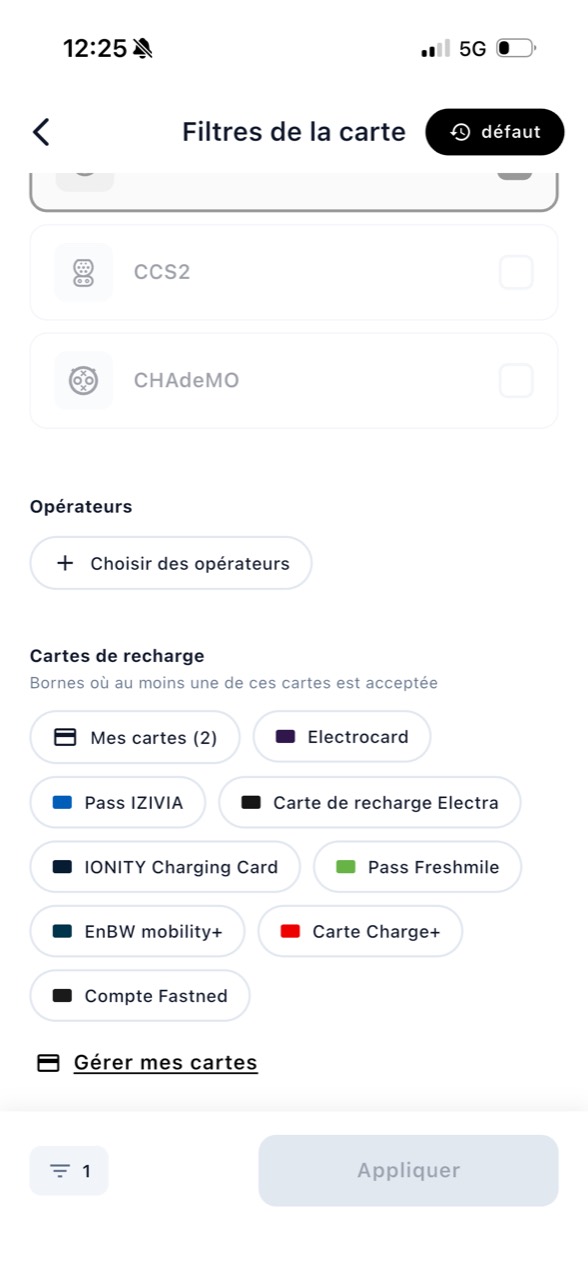
- charging stations compatible with your charging cards;
- a price range per kWh or free charging stations;
- charging stations whose status is monitored live;
- live station availability.
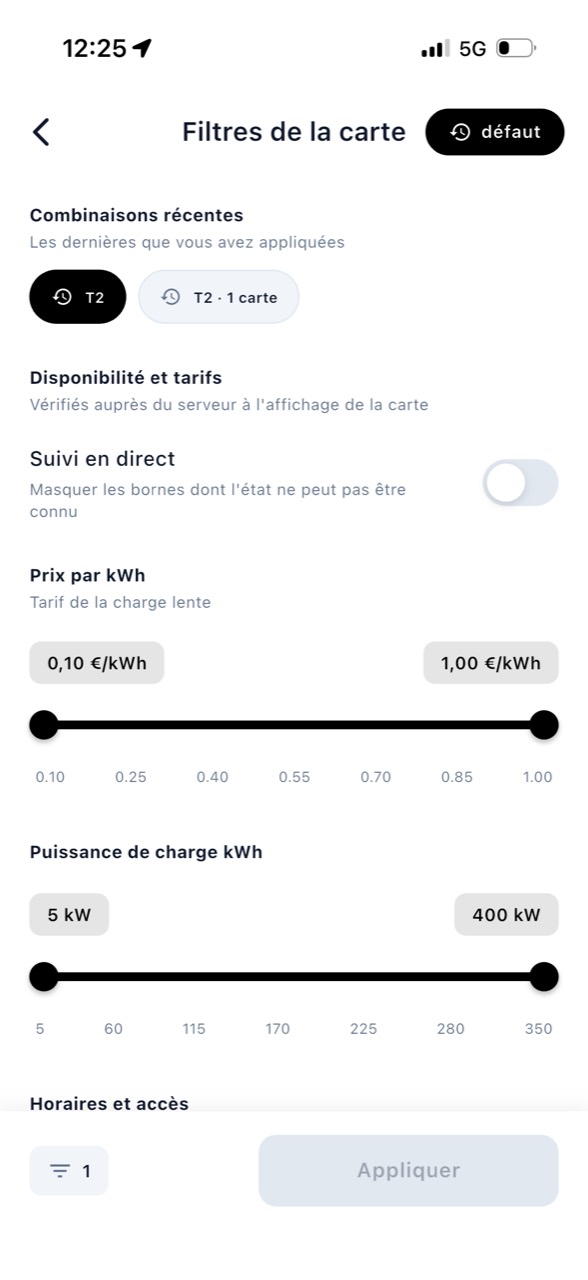
Apply filters in just a few taps
- From the map, tap Filters.
- Choose your settings: operators, access, price, availability or compatibility.
- Press Apply.
The card will react immediately. Most filters will be applied directly to your phone. A banner will tell you how many charging stations remain in the area and how many filters are active.
If the zone no longer shows a charging station
When your criteria are too precise for an area, Bornage will tell you which filter causes the absence of results. You can remove only this filter and keep the other settings.
Your filters will be remembered. The last five combinations applied can be restarted with a single press.
Check “Available Now”
This filter checks the status of the nearest charging stations directly. It helps you locate outlets whose availability is known at the time of your search.
The next version adds more precise filters to adapt the map to your car, your charging cards and your journey.
Download Bornage or update the app to discover the new filters as soon as they arrive.